One window.Your whole day.On your own PC.
Atlas brings your meetings, tasks, email and calendar into one Windows app, with an AI helper that asks before it acts.
- Outlook
- Gmail
- Google Calendar
- GitHub
- Anthropic
- OpenAI
- Gemini
- OpenRouter
Your workday is scattered
- Notes in one app, tasks in another, mail in a third
- Meeting recordings kept on someone else's server
- AI tools that act before you check

Atlas puts it in one place
- Meetings, tasks, email and calendar in one window
- Recording and transcription happen on your PC
- The AI asks before it changes anything
Atlas is built to keep your whole working day in one place, on your own PC.
Capture every meeting, on your PC
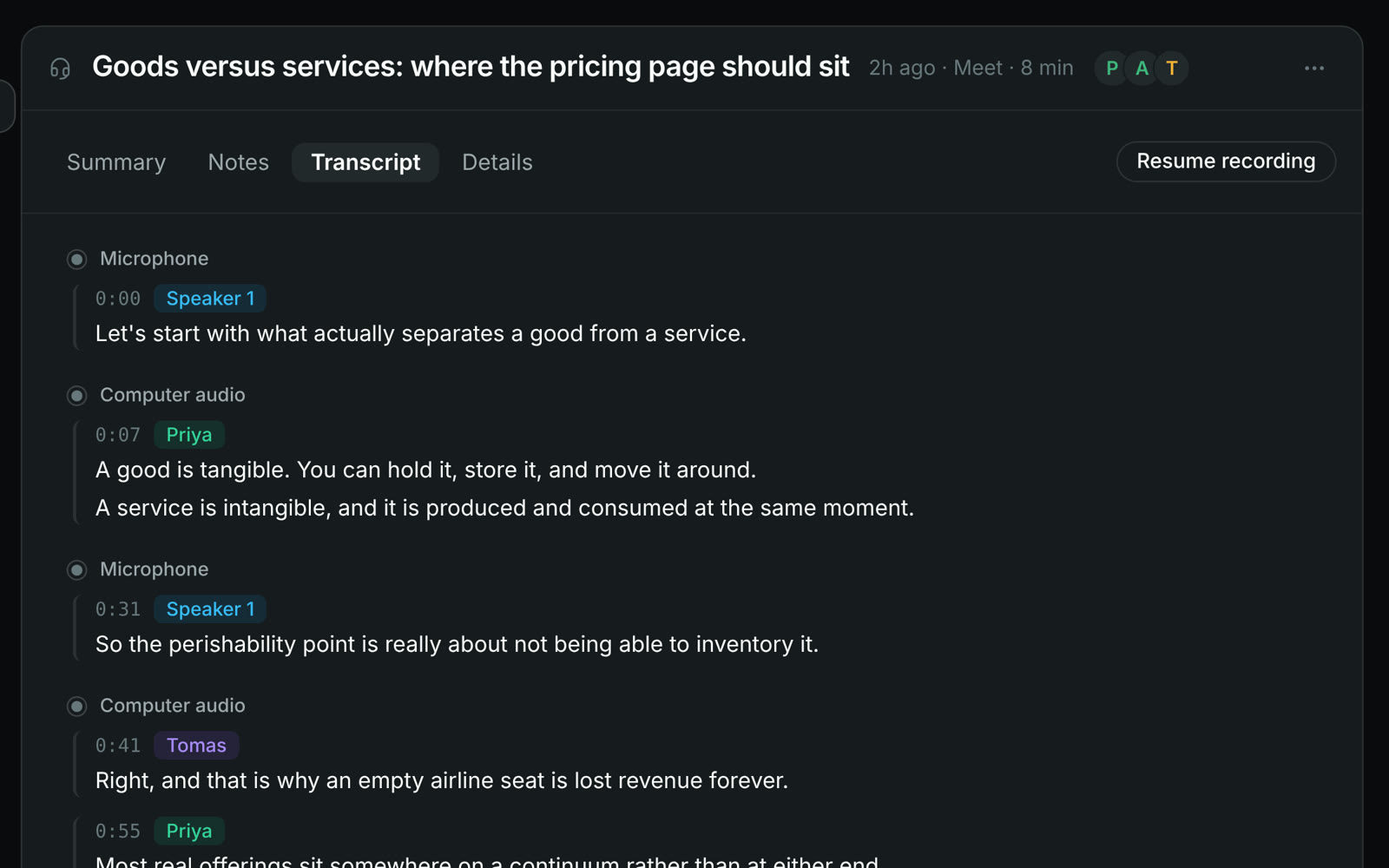
Atlas records your calls and transcribes them on your PC, then turns them into notes and to-dos.
-
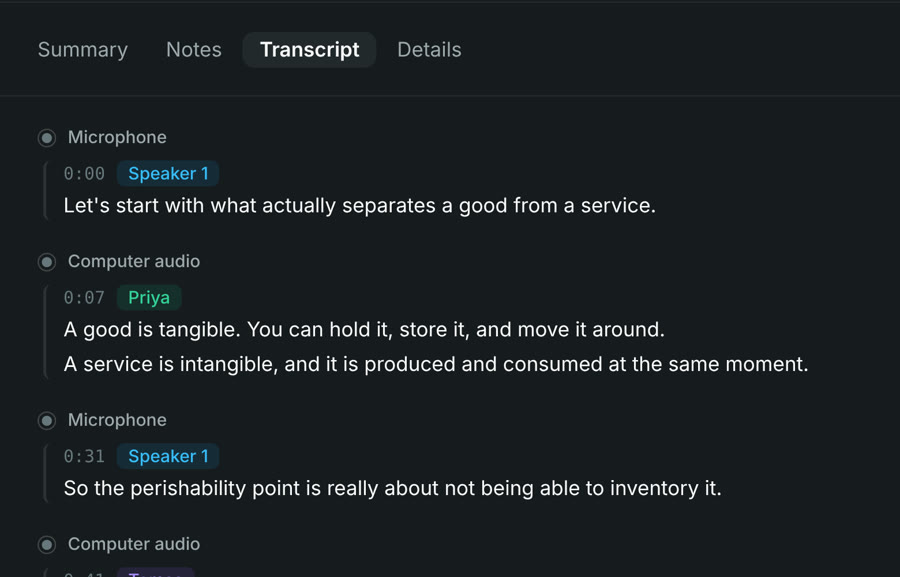
Records any call from your microphone and computer audio, on your PC
-
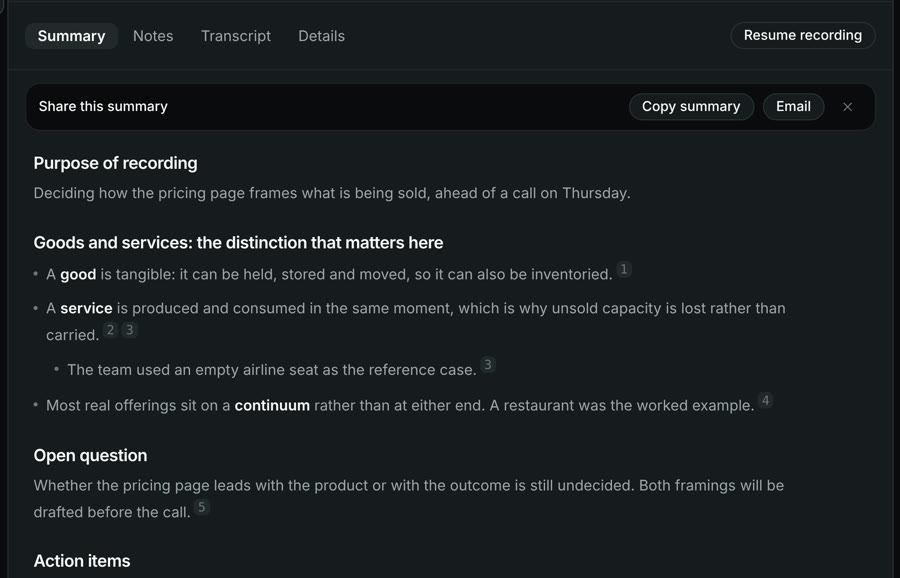
Summary, open questions and action items after the call
-
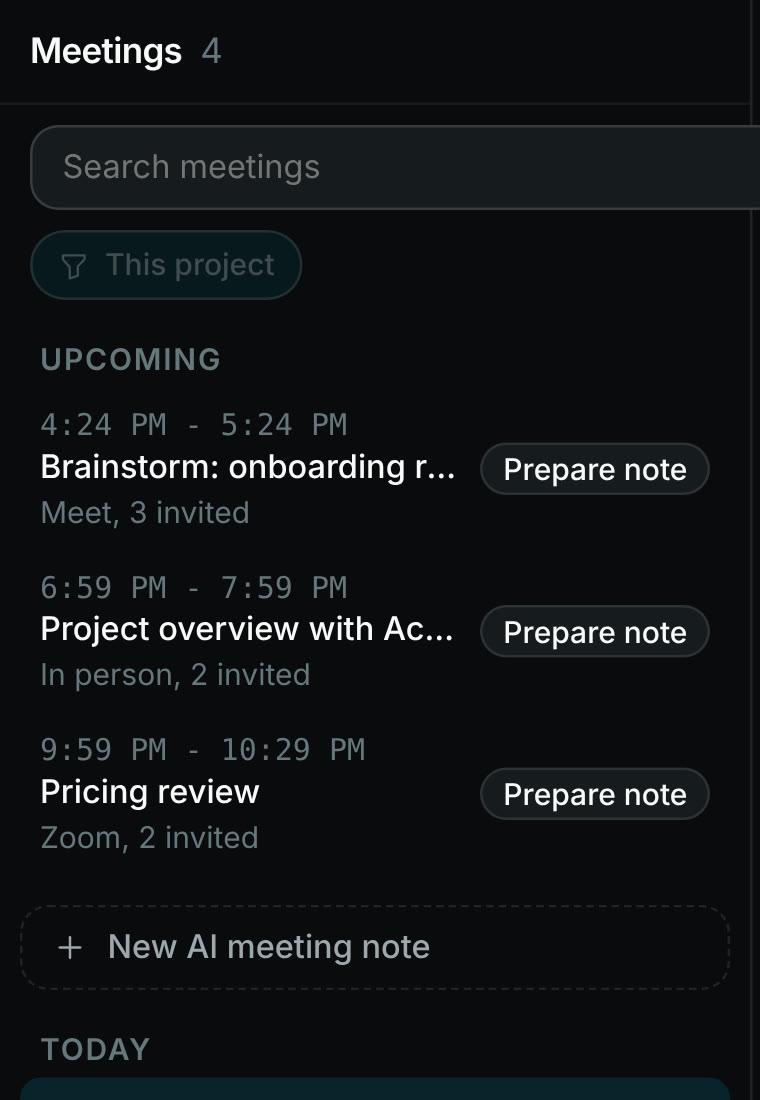
Every upcoming call, ready for a note
Plan and work in one window
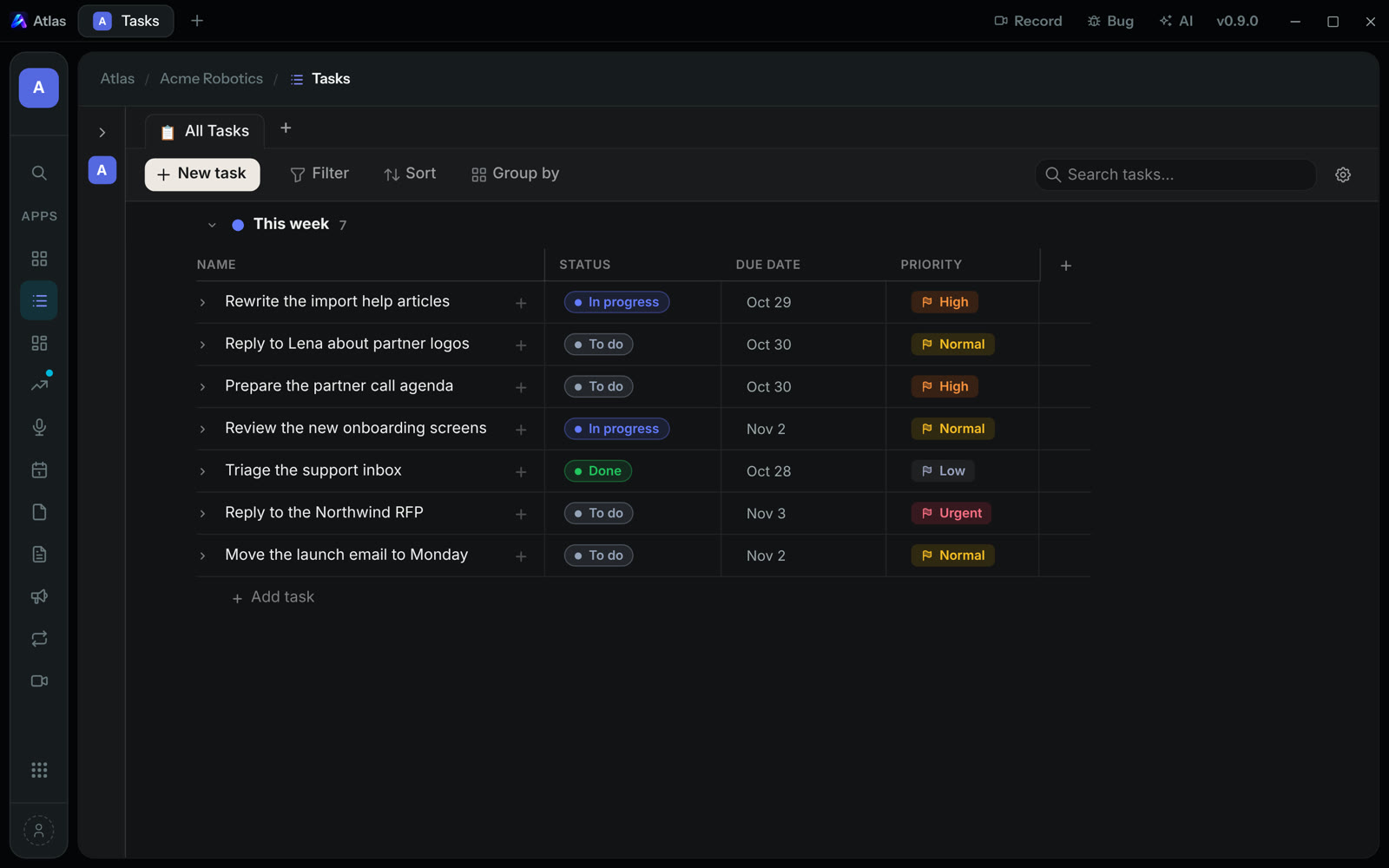
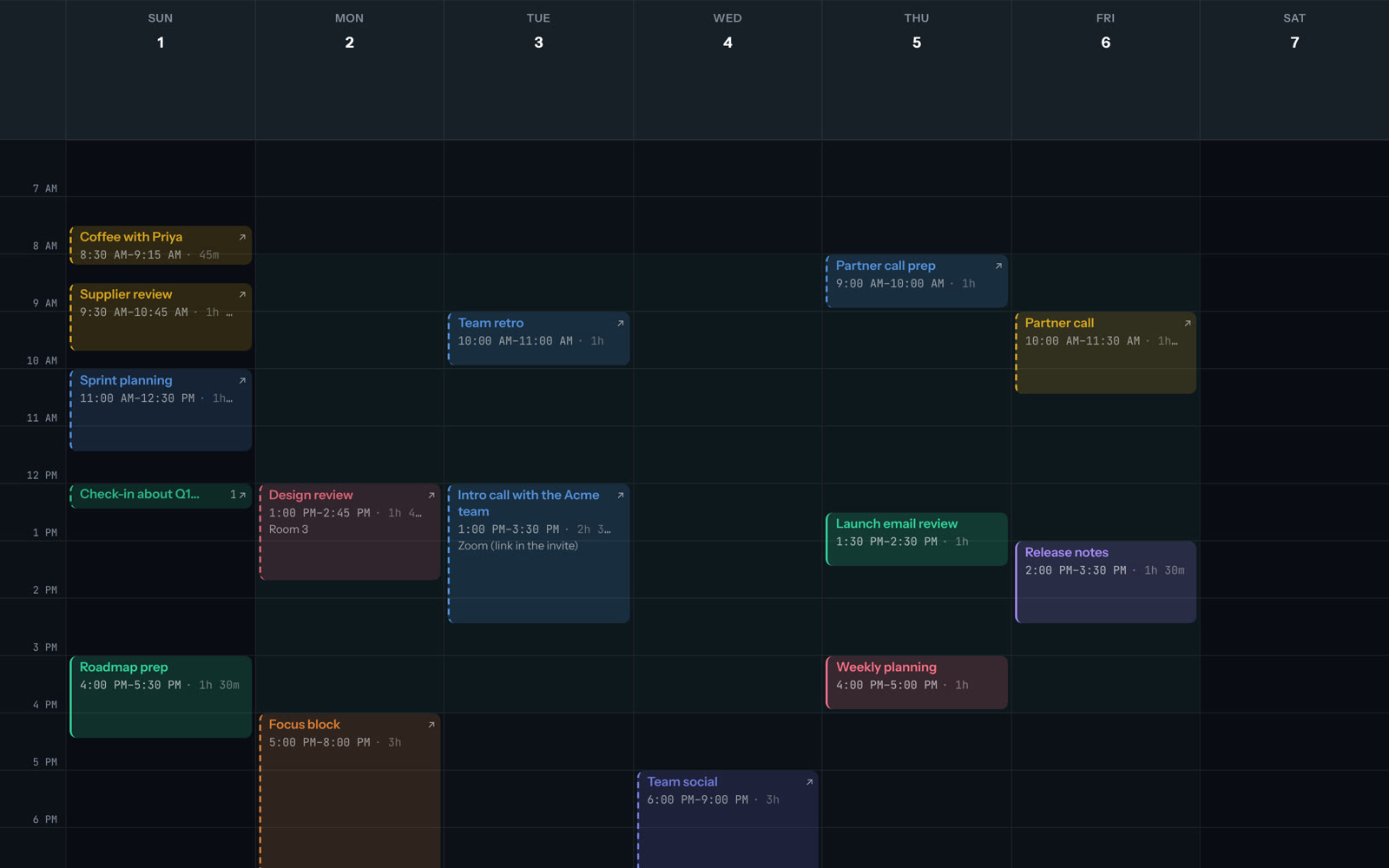
Tasks, email, calendar, files and notes share one project and one memory, so nothing gets lost between apps.
-
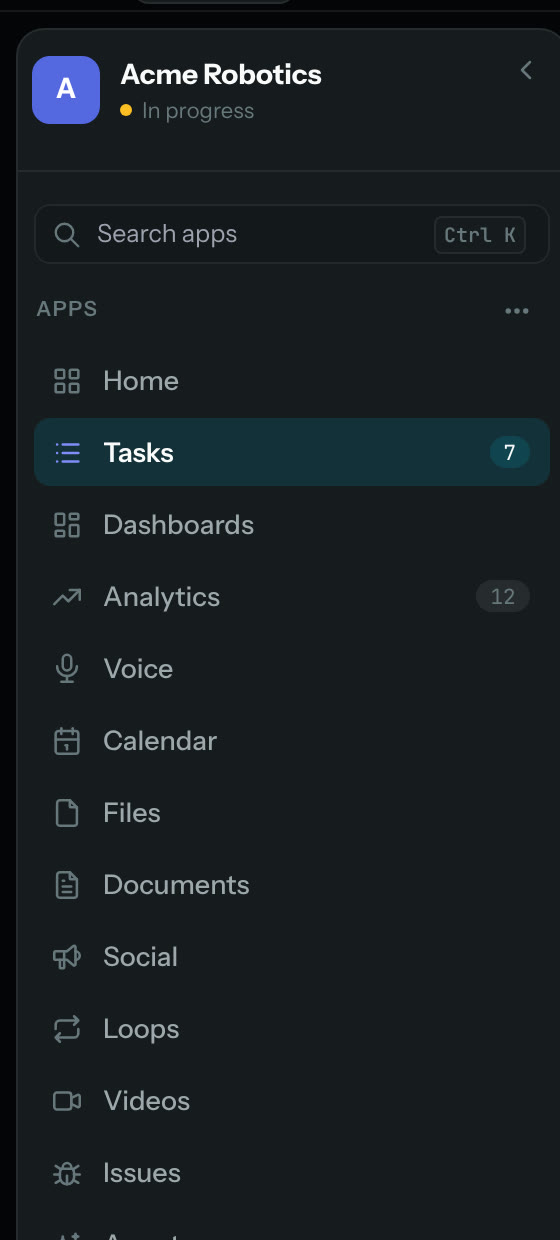
19 apps in one project
-
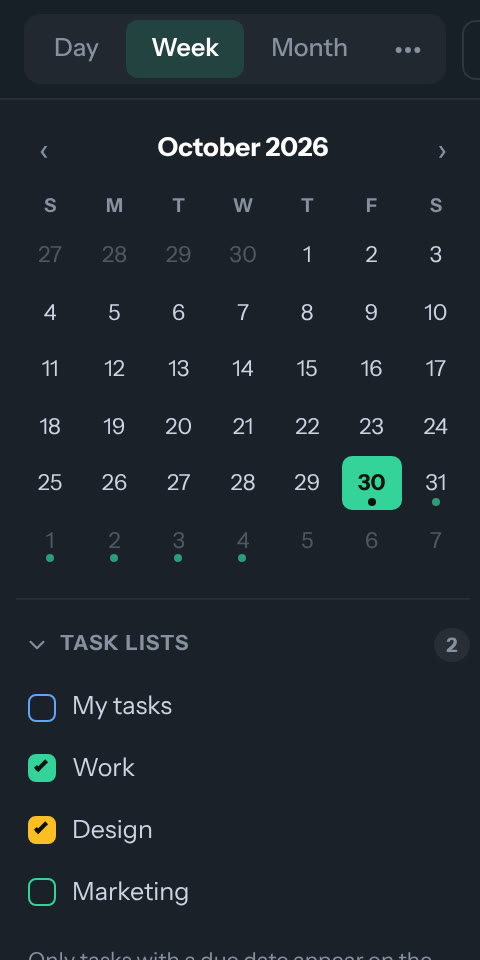
Your calendars and task lists side by side
-
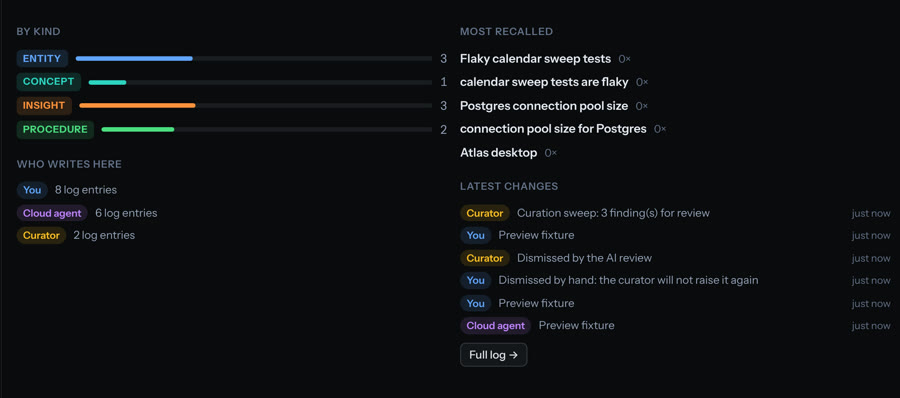
One memory across every app
Hand off work, stay in charge
The AI works across your apps and asks before it changes, deletes or publishes anything. It cannot send email.
-
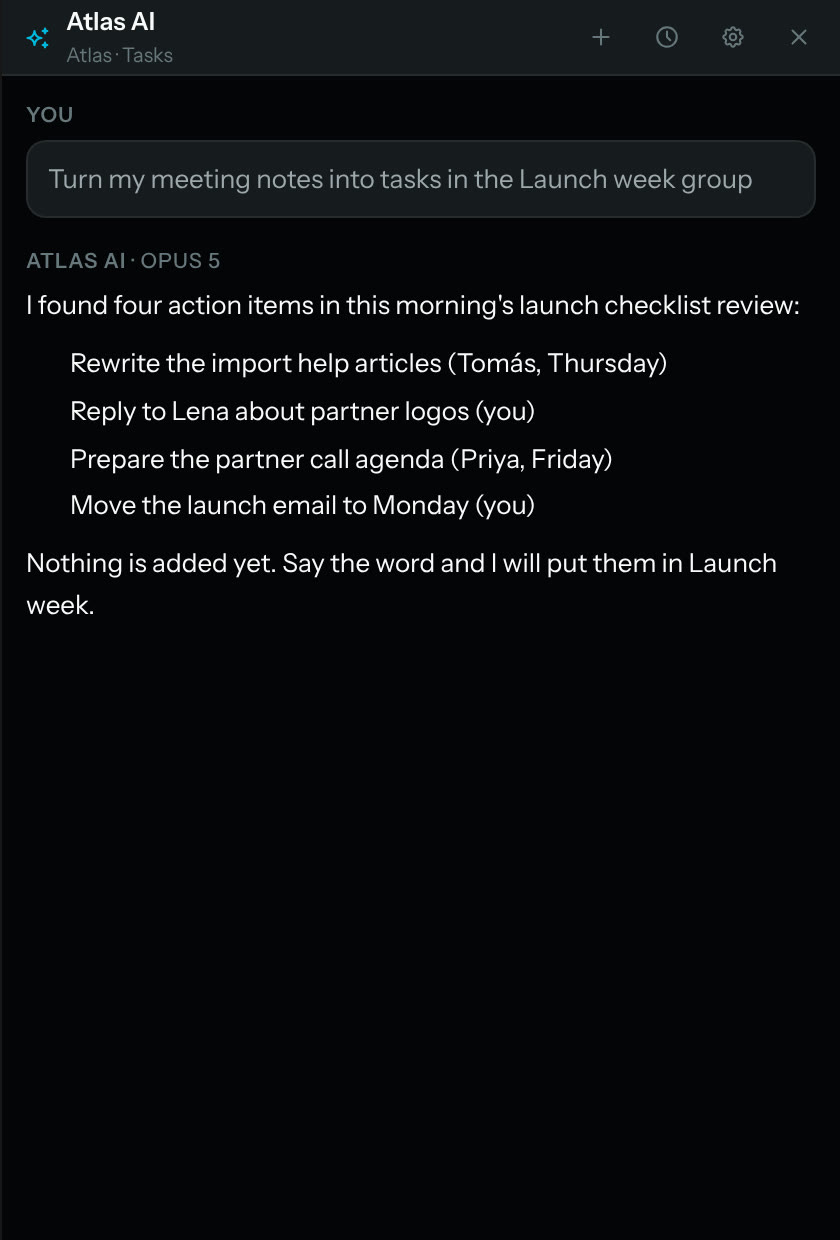
The AI proposes. Nothing changes until you say so
-
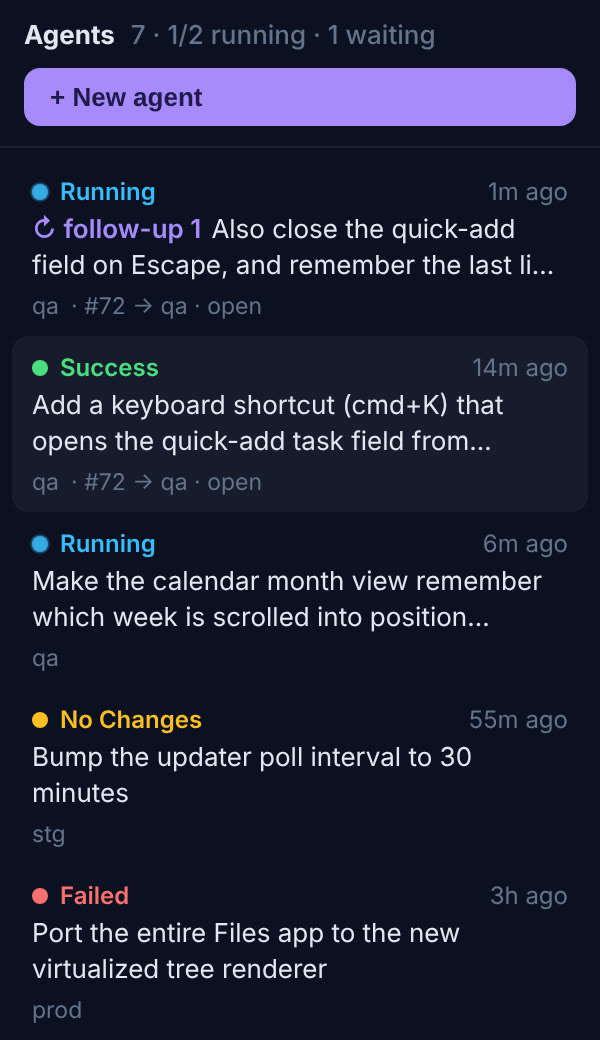
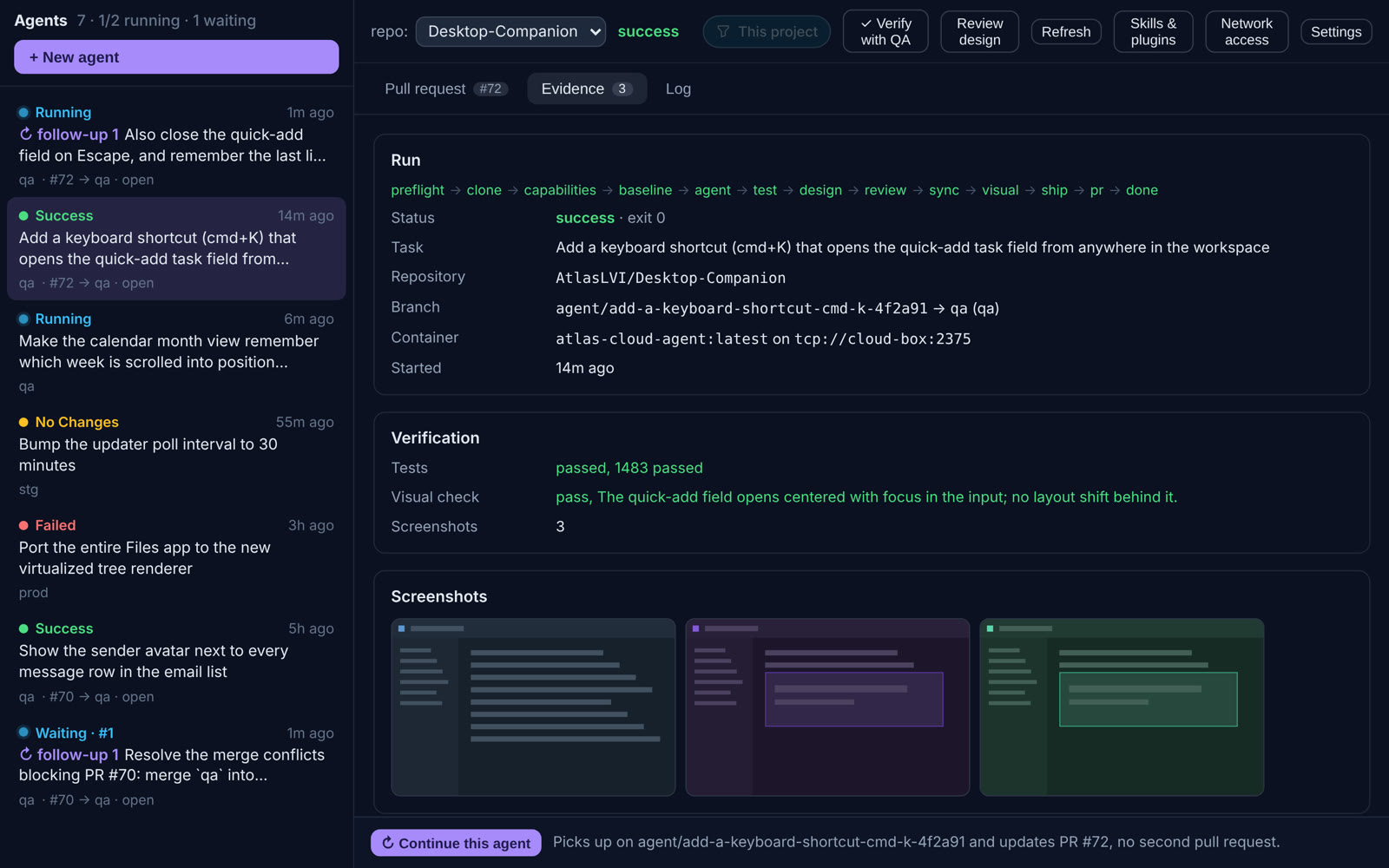
Agents build software for you in the cloud
-
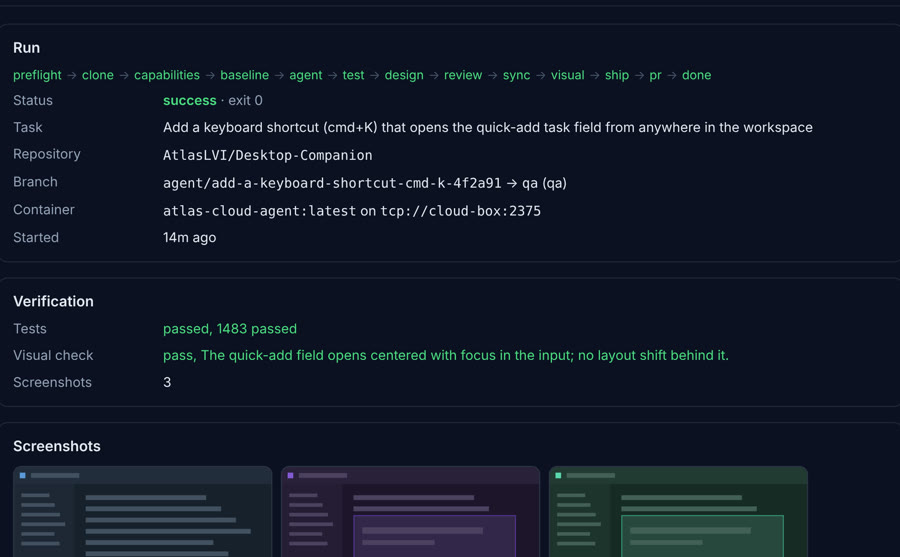
Each run comes back with tests and a visual check
Your tools, in one list
Connect what you already use. Everything shows up in the same window.
Email
Read and triage your mail next to your tasks.
OutlookGmailCalendar
See your calendars beside your plan for the day.
Google CalendarOutlookMeetings
Record any call app on your PC, from microphone and computer audio.
Any call appAI
Connect the model provider you prefer, with your own key.
AnthropicOpenAIGeminiOpenRouterCode
Agents open pull requests for you to review.
GitHub
Everything you need, nothing you don't
-
Memory
Remembers decisions, people and preferences across your apps.
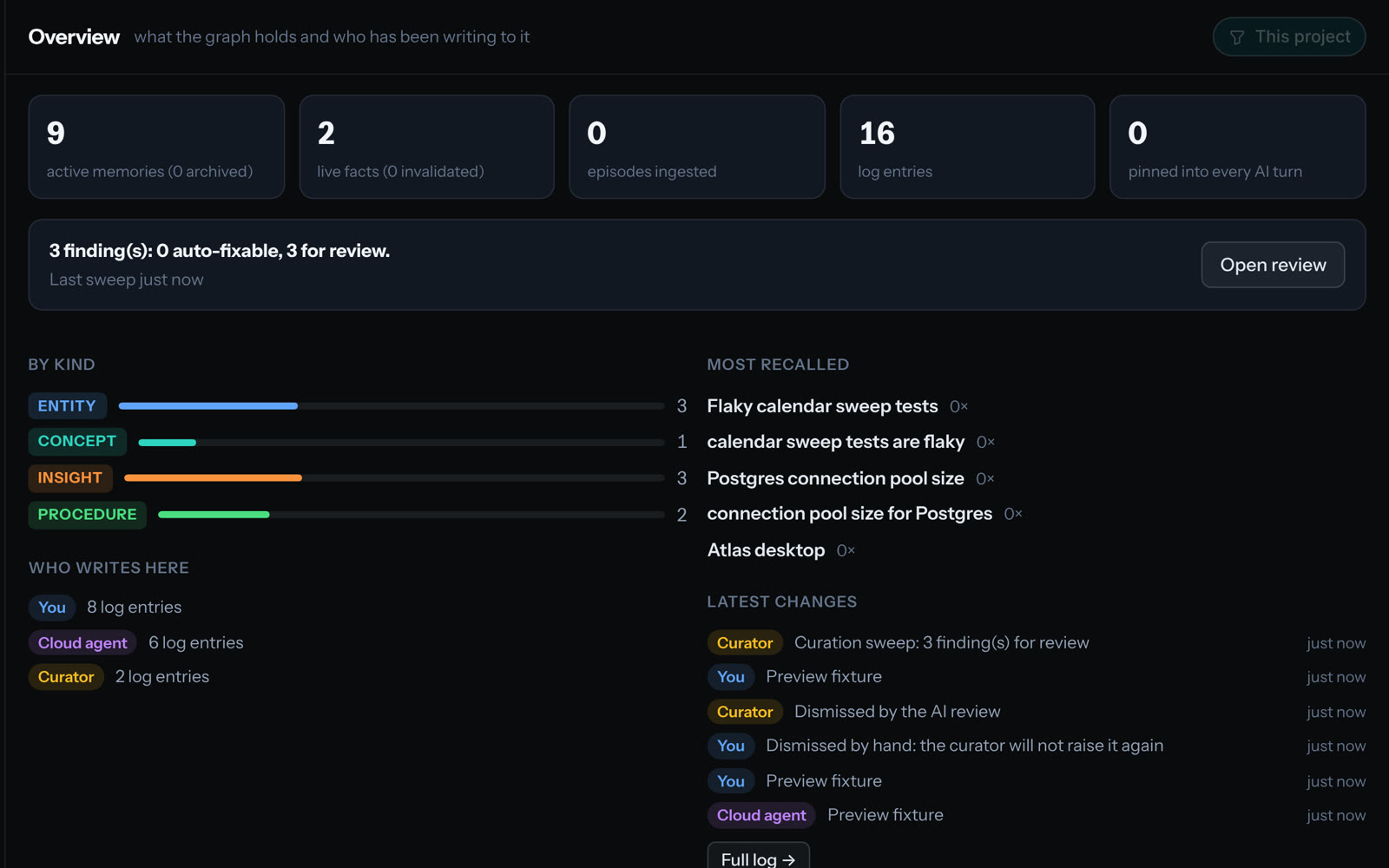
-
Voice
Dictate into any app. It is transcribed on your PC.
-
Meeting copilot
Brings up what you decided last time, while you talk. Off by default.
-
Approvals
Every change, delete or publish waits for your yes.
-
Projects
Every task, file and note filed under one project.
-
Built for Windows
Opens over any app with your hotkey, at local speed.
Private by default, and clear about it
| What | Where it happens | Your choice |
|---|---|---|
| Recording your calls | On your PC | Always on your PC |
| Transcription | On your PC | Cloud transcription is off unless you turn it on |
| Dictation | On your PC | Always on your PC |
| Meeting notes | On your PC | Sync is off unless you turn it on |
| AI features | The provider you connect | Your own key; what the AI reads goes to that provider |
| Changes, deletes, publishing | Only after you approve | The AI cannot send email |
Questions
Is there a Mac version?
Not yet. Atlas runs on Windows.
When can I start?
We will email you when your invite is ready.
Which AI does it use?
The provider you connect: Anthropic, OpenAI, Gemini or OpenRouter, with your own key.
Can my team use it?
Atlas is built for one person on one PC.